Real Devices and Virtual Devices: How to Build an Effective Mobile Testing Strategy in 2026
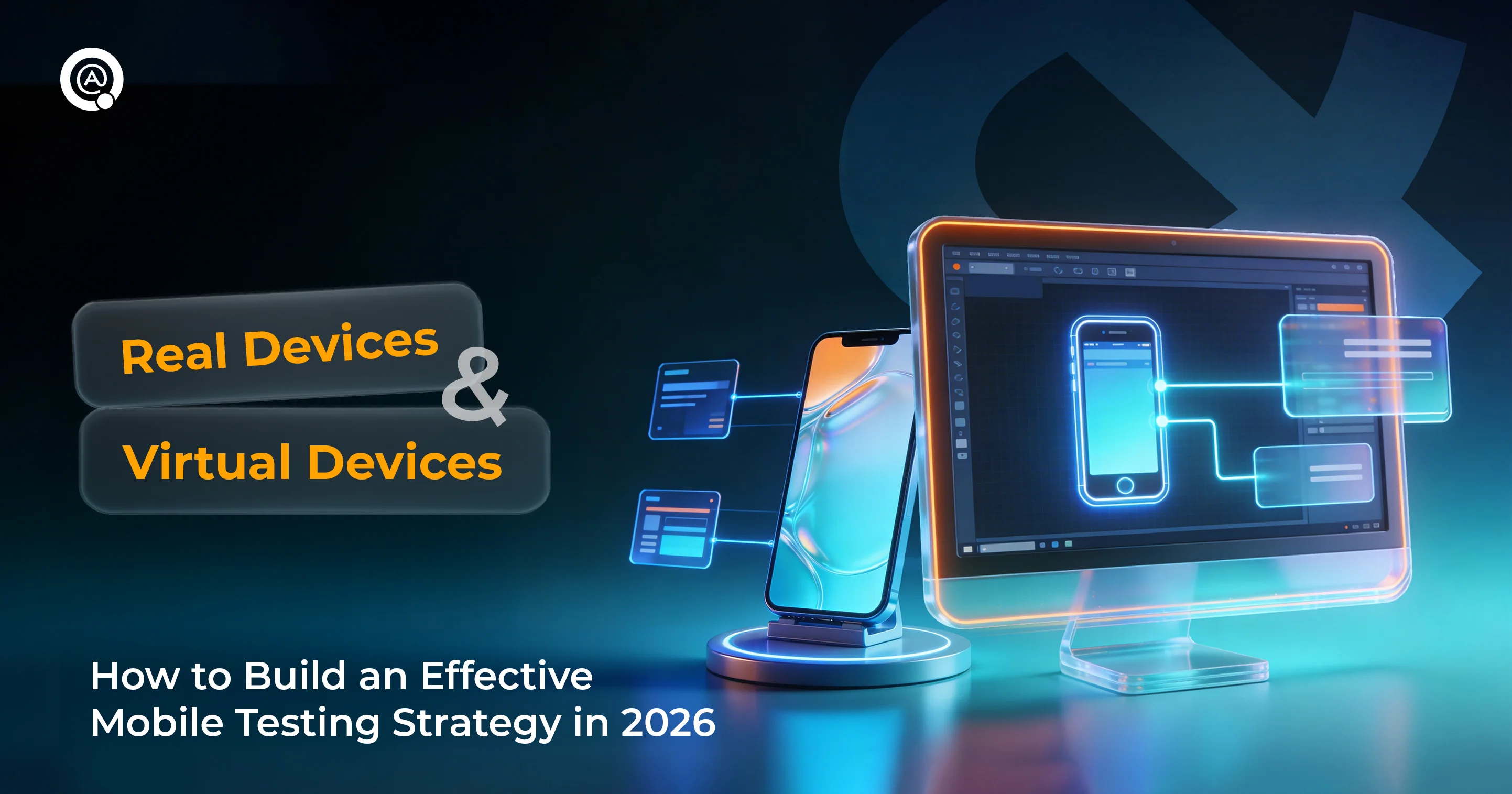
As device ecosystems become more diverse and user expectations continue to rise, choosing the right testing approach has become a critical decision for mobile teams in 2026. The question is how to combine virtual and real device testing effectively to achieve efficient, reliable app validation.
In mobile testing, real devices and virtual devices are not interchangeable tools competing for the same role. They solve different testing tasks, require different setups, and become valuable at different stages of product development. In practice, the strongest strategy is combining both approaches based on product risks, team maturity, release cadence, and budget instead of choosing one over the other.
In this article, we will explore where each approach delivers the most value, and, most importantly, how to combine both into a balanced testing strategy that works in real project environments.
What Is Real Device Testing?
Real device testing is a quality-assurance approach in which software is validated on physical, production-grade devices that reflect how real users interact with a product in everyday conditions. Running tests on actual hardware – with real operating systems, sensors, networks, and performance constraints – makes it possible to verify how a product behaves in real-world scenarios and uncover critical risks that typically appear only on real devices. These include hardware-specific issues, unstable connectivity, battery and thermal behavior, background execution limitations, and subtle UX.
In practice, real device testing is organized through a combination of:
- On-site physical devices – in-house pools of real smartphones and tablets used for testing.
- Remote access to real devices – connection to physical devices hosted in shared labs or device clouds.
- Automation on real devices – execution of automated test suites directly on physical hardware.
- Manual testing on real devices – hands-on validation performed by testers on actual devices.
What Are Emulators and Simulators?
An emulator is a virtual device that runs a full system image and reproduces key hardware behavior. In mobile testing, emulators are used primarily in Android workflows (Android Emulator) for debugging, automation, and fast regression checks without physical devices.
A simulator is a lightweight virtual environment that simulates an operating system’s behavior without emulating device hardware at a low level. In mobile testing, this term is most commonly used for iOS (Xcode iOS Simulator) to validate UI, flows, and behavior across iOS versions and device configurations.
Real Devices & Virtual Devices: Key Differences
Let’s see where each approach works best, where it is limited, and how teams can combine both according to their product needs, technical context, and delivery goals. It covers key criteria, as well as virtual devices vs real device performance, cost, and feature support.
Key Differences in Testing
When to Choose Real Devices and When Emulators/Simulators
So, let’s briefly summarize when real device testing should be the primary choice, and when emulators/simulators are the more practical option. The right approach depends on what exactly is being validated and at which stage of development the team is working.
When Real Devices Are Essential
Real devices become essential in scenarios where production-like behavior, hardware interaction, or real-world conditions must be validated, including:
- manual validation of critical user flows, where real interaction with the app, screen, touch behavior, and visual details matter;
- performance-critical apps, such as games, video streaming platforms, and AR/VR experiences;
- hardware-dependent features, including biometrics, NFC payments, sensors, camera behavior, and Bluetooth interactions;
- regulated or compliance-sensitive industries, such as banking, healthcare, and telecom
- pre-release and production-focused validation, where the goal is to confirm release confidence in realistic conditions;
- products targeting global markets with strong device fragmentation and vendor-specific behavior.
When Emulators/Simulators Are Sufficient (or Preferred)
Virtual devices (emulators and simulators) work best for:
- Debugging: fast iteration with strong tooling, logs/breakpoints, snapshots, and instant state resets.
- Early development: quick UI/layout validation, hot reload, and rapid feature iterations across configurations.
- CI/CD pipelines: smoke checks plus fast functional and regression runs before real-device validation.
- Low-risk areas: flows that don’t rely on real hardware behavior.
Common Mistakes in Mobile Testing Approach
1. Over-reliance on Emulators and Simulators
Testing almost exclusively on emulators/simulators leads to missing production bugs tied to physical hardware. These include thermal throttling, battery drain, GPU jank, and memory pressure on mid-range devices.
2. Inadequate Device Matrix (Fragmentation Issues)
Testing only on flagships or a limited set of models ignores low-end Androids, foldables, legacy iPhones, and regional brands. This results in device-specific issues such as crashes on custom UIs, layout breaks, and font rendering issues, leading to poor coverage of the actual user base.
3. Lack of Real-World Network Testing
Relying solely on simulated throttling without testing on actual 4G/5G networks, weak signals, packet loss, or carrier switching can cause crashes or hangs in real-world conditions (e.g., during payments, streaming, or heavy downloads).
4. Overlooking Hardware-Specific Features and Edge Cases
Testing camera, GPS, biometrics, NFC, haptics, and push notifications using only mocks on emulators yields false positives. For instance, Face ID might “work” in a simulator but fail on a physical device due to anti-spoofing algorithms or ambient lighting conditions.
5. Lack of Performance and Longevity Testing on Physical Hardware
Short-duration tests on emulators fail to capture issues that emerge under prolonged use, such as overheating, excessive battery drain, and memory leaks. An app might appear stable initially, but crash due to thermal throttling or OOM (Out of Memory) kills after extended use.
6. Underestimating Vendor-Supported Real Device Testing
Relying only on a limited in-house device pool (manual updates, high maintenance) and not engaging a vendor with a large real-device farm and proven expertise increases operational overhead, limits parallel coverage, and lets device-specific issues slip into production.
Ultimately, there is no single best option for mobile app testing. Real devices and virtual devices (simulators/emulators) are not competing options in mobile testing. They serve different purposes, require different preparation, and support different stages of product development. That is why the secret of an effective strategy lies in the symbiosis of both approaches.
In QATestLab, we also use a hybrid testing approach. Our pool of 500+ real physical devices allows us to validate hardware-specific behavior, performance, battery usage, and real network conditions, while emulators and simulators provide fast feedback loops and scalable coverage in the early stages of development.
How to Build a Hybrid Testing Strategy [Step-by-Step Guide]
Below is a step-by-step guide to building a hybrid mobile testing strategy.
Step 1: Assess Testing Requirements
Gather requirements to understand what really needs to be tested.
- Product goals – define the app type and its key priorities.
- Risk areas – identify critical user flows where defects cause the highest impact.
- Target markets – define regions, Android/iOS market share, device distribution.
- Regulatory constraints – account for compliance requirements.
Step 2: Define Device Coverage Matrix
Select and prioritize devices to achieve efficient coverage without over-testing.
- OS coverage – select target OS versions.
- Device models – prioritize models based on real user traffic and business relevance.
- Form factors – include smartphones, tablets, foldables (if relevant to your audience).
- Prioritization logic – align coverage with traffic share, regions, and budget.
Step 3: Allocate Budget Effectively
Distribute investments between different types of resources.
- Local devices – reserve for critical hands-on and production-like testing. (If you don’t have your real device lab, or don’t plan to build one, we can support you with our device pool and hands-on expertise).
- Cloud device access – use for broader coverage and scalable parallel execution.
- Emulators/simulators – use for fast, cost-efficient validation in daily development workflows.
Step 4: Set Up CI/CD Integration
Connect both approaches to automated pipelines.
- Tests on emulators/simulators – smoke tests, fast regressions, standard UI/logic checks.
- Tests on real devices – hardware-dependent flows, performance validation, release-candidate checks.
- Triggers – define when each test layer runs (PRs, nightly runs, pre-release stages).
Step 5: Monitor and Optimize the Strategy
Continuous monitoring and improvement of the strategy.
- Metrics – track escaped bugs, test flakiness, test effectiveness.
- Coverage optimization – adjust the matrix based on failures and product usage trends.
- Regular reviews – update the device matrix as new devices, OS versions and markets evolve.
Conclusion
So, let’s summarize the answer to the main question: how to build an effective mobile testing strategy in 2026? The key is to build a hybrid approach by creating the right symbiosis between real device and virtual device testing. At the same time, shaping such a strategy requires more than following a template built around ideal conditions or searching for a one-size-fits-all scenario. The more practical approach is to design the strategy around the specific product context, technical risks, team maturity, delivery pace, and budget.
Our team knows how to design a hybrid approach aligned with your product goals, risk, and team workflows. Through careful test strategy planning, we help our partners achieve the most effective and cost-efficient mobile app testing process.
If you need support with validating your application, feel free to reach out. Together, we can define the right mobile testing approach and help prepare a reliable, high-quality product for release.
FAQ: Real Device Testing vs Emulators
An emulator reproduces both software and (to some extent) hardware behavior of a real device, while a simulator imitates the software environment without fully replicating hardware. In practice, emulators are usually closer to real-device behavior, while simulators are faster and more lightweight for early testing.
Their main advantages are speed, cost-efficiency, and scalability. They are ideal for early development, UI/layout checks, smoke tests, and fast CI/CD regressions, especially when broad parallel execution is needed.
Virtual devices cannot fully reproduce real hardware behavior and real-world conditions. This includes battery drain, thermal throttling, GPU performance, sensor behavior, camera quality, biometrics, and unstable mobile network conditions.
Real devices should be used when validating hardware-dependent features, performance and UX under real conditions, and pre-release builds. They are especially important for apps in high-risk domains such as fintech, healthcare, gaming, streaming, and travel.
There is no universal number because it depends on the app, users, and markets. A practical starting point is a prioritized device matrix based on analytics (top devices, OS versions, regions), then expand coverage for release candidates and high-risk flows.
Emulators/simulators are cheaper upfront, but relying on them too much can increase the cost of escaped defects. In practice, a hybrid approach is often more cost-effective because it balances speed and risk reduction.
The best option is a hybrid testing strategy: use emulators/simulators for speed and fast feedback, and real devices for high-risk scenarios, hardware validation, and release confidence.
Learn more from QATestLab


Related Posts:
About Article Author
view more articles